Purpose
Mobile App
Purpose is a mobile-first distance learning app. I designed the onboarding, course, and instructor flows around why learners return. Daily engagement rose 45% after launch.

Purpose: A Mobile-First Approach to Distance Learning
OVERVIEW
The global shift towards remote education has highlighted a critical need for high-quality, mobile-first learning platforms. While many solutions exist, they often fail to provide an experience that is truly engaging, intuitive, and built for the modern learner.
Key Insights → One Hypothesis
Learners felt disconnected and unmotivated by confusing, isolating platforms.

Competitor Scan
Most learning apps have a poor mobile experience with cluttered, non-social interfaces repurposed from desktop versions.

User Interviews
Learners feel isolated and unsupported, struggling to track their progress or get timely help from instructors and peers.

Usability Tests
Existing apps frustrate users with confusing navigation and non-interactive content, leading to high drop-off rates.
If we provide a mobile-first design with intuitive navigation, integrated communication tools, and clear progress tracking, then learners will feel more engaged, supported, and motivated to complete their courses.
Challenge
Current situation
The distance learning landscape often fails users with poor UX, student isolation, and low motivation.
Our goal was to design a mobile-first solution that makes learning intuitive, connected, and genuinely engaging.
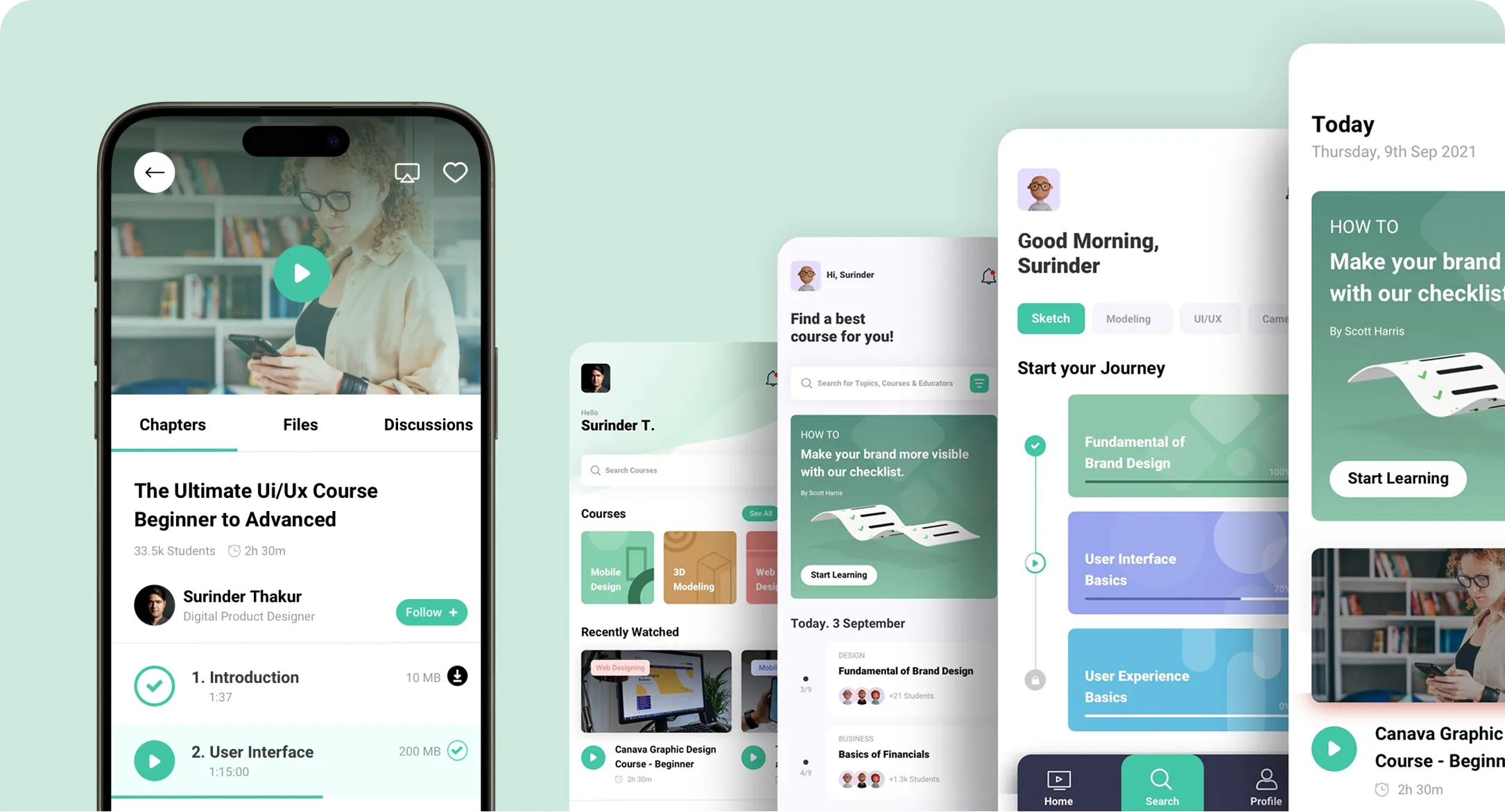
My Approach & Solution
SOLUTION
Purpose is a feature-rich distance learning app that places the user at the center of the educational experience. It provides a clear, fast interface for discovering courses, engaging with interactive content, connecting with instructors and peers, and tracking personal growth.
By focusing on a clean, intuitive design and fostering a sense of community, Purpose makes learning on the go feel effortless.
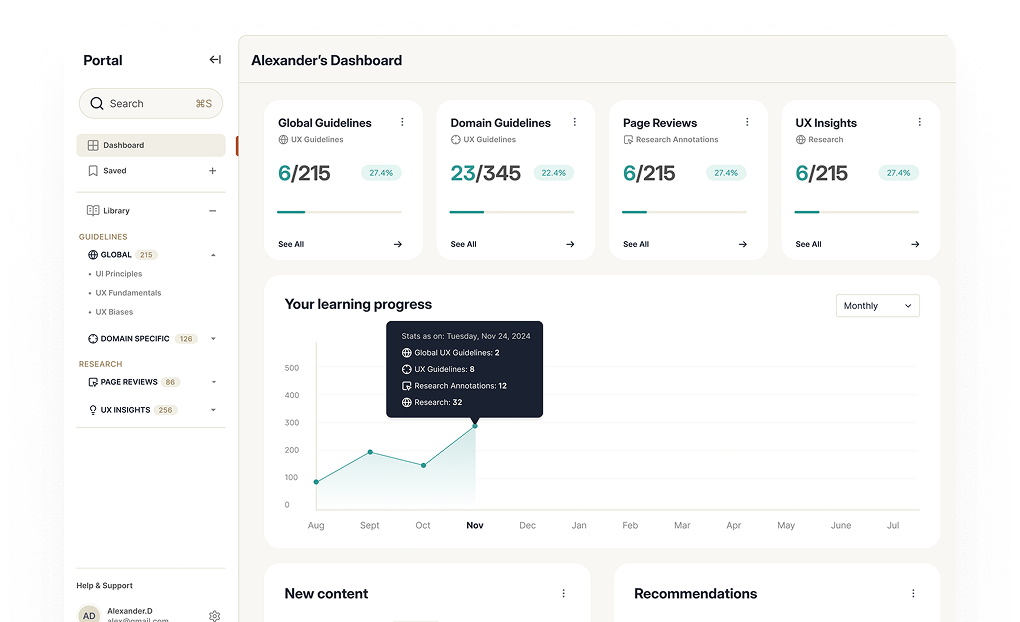
Built on How Learners Actually Behave
My Design Process
My approach was rooted in evidence about how learners actually behave.
The process was iterative and collaborative, ensuring the final product was not only aesthetically pleasing but also highly functional and intuitive.
Key Features
1. Effortless Course Discovery
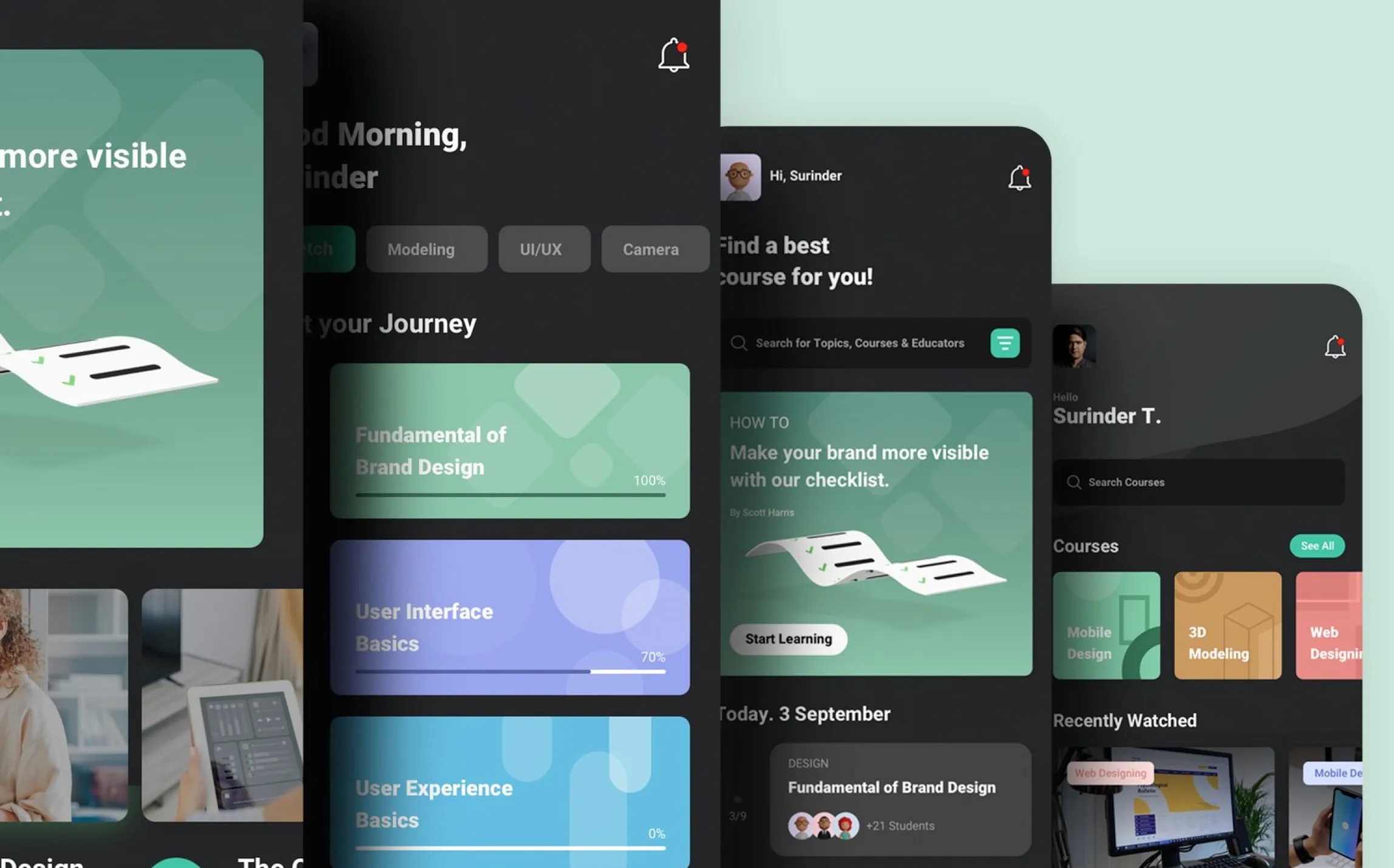
The home screen immediately invites users to explore a vast library of courses. With intuitive categories, a powerful search function, and personalized recommendations, finding the right course is simple and exciting.
This flow was designed to reduce friction and inspire curiosity from the moment the user opens the app.
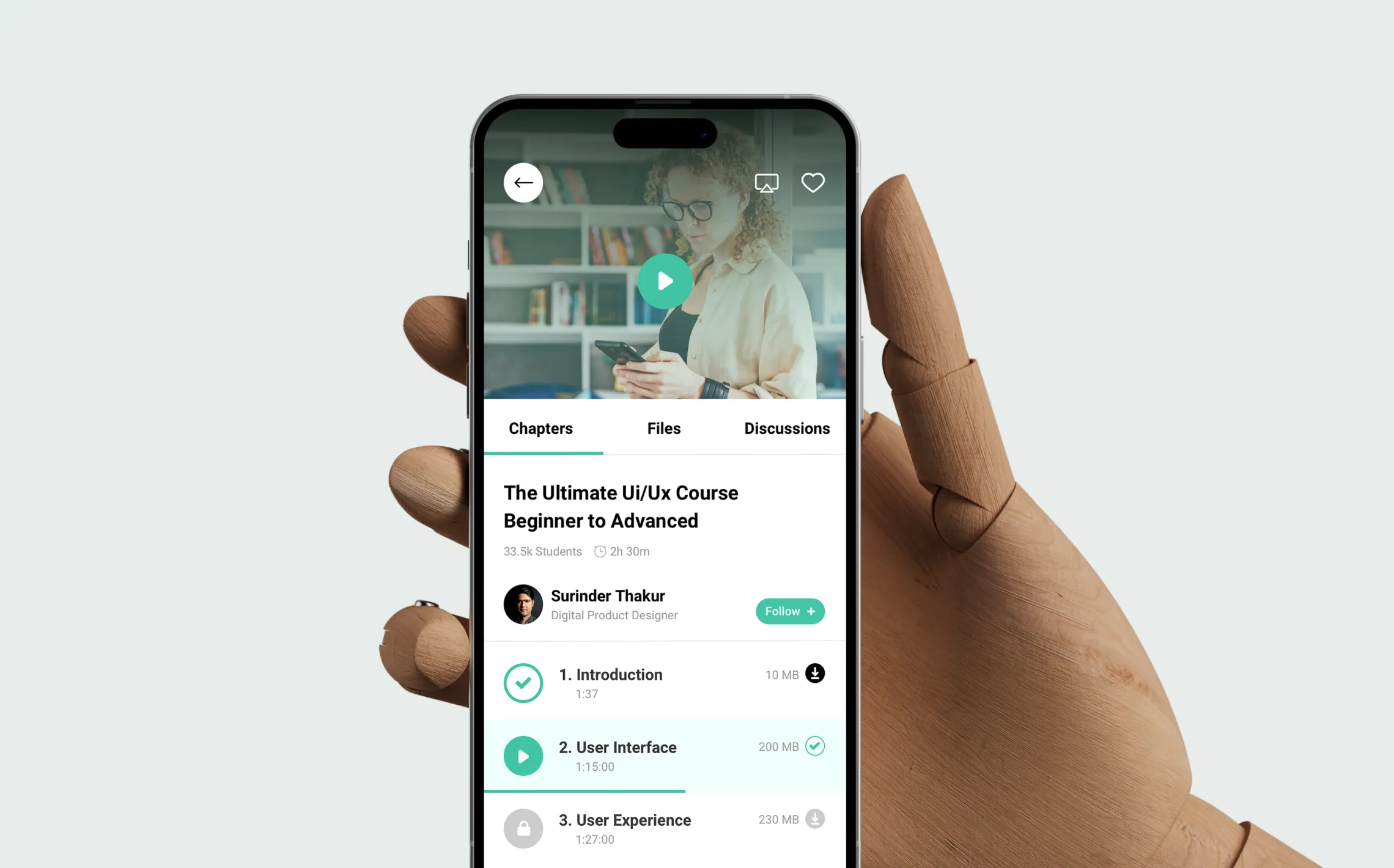
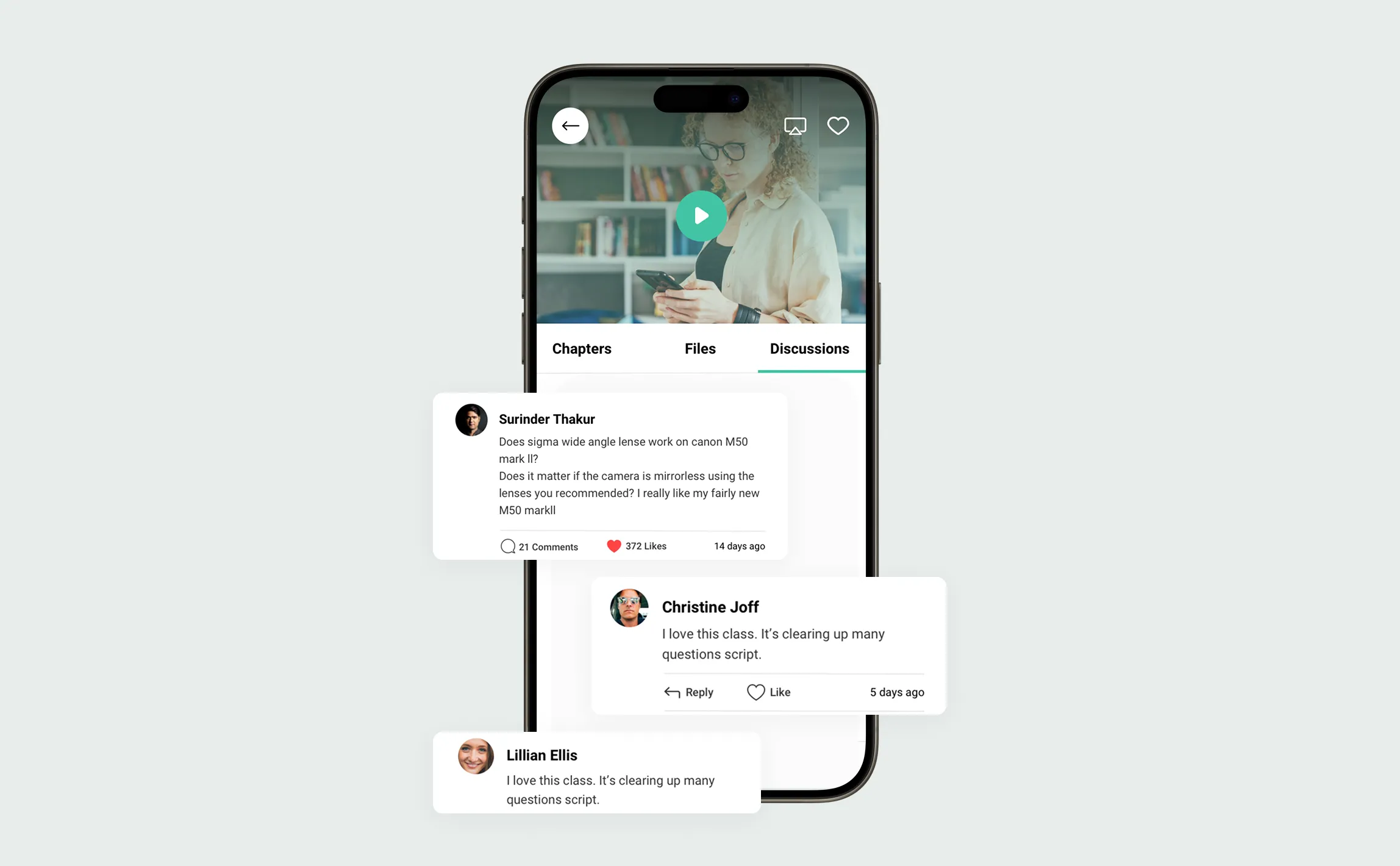
Distraction-Free Lessons
2. Interactive & Immersive Lessons
Moving beyond static text, Purpose offers a rich learning experience with high-quality video lectures, downloadable resources, and interactive quizzes.
The lesson interface is designed to be distraction-free, allowing learners to fully immerse themselves in the material. Progress is clearly visualized, motivating students to continue their journey.
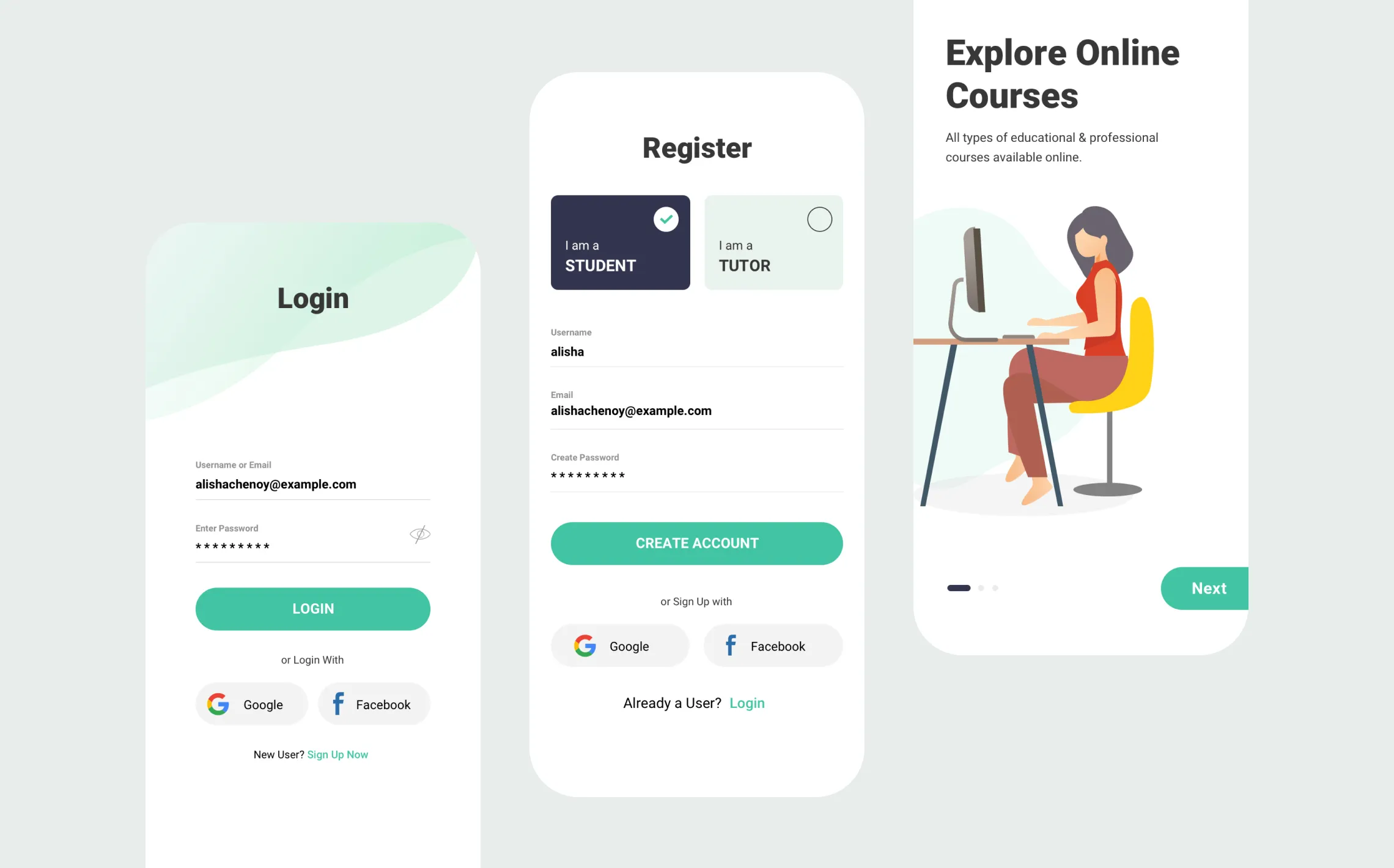
Cohesive Design, Tangible Results
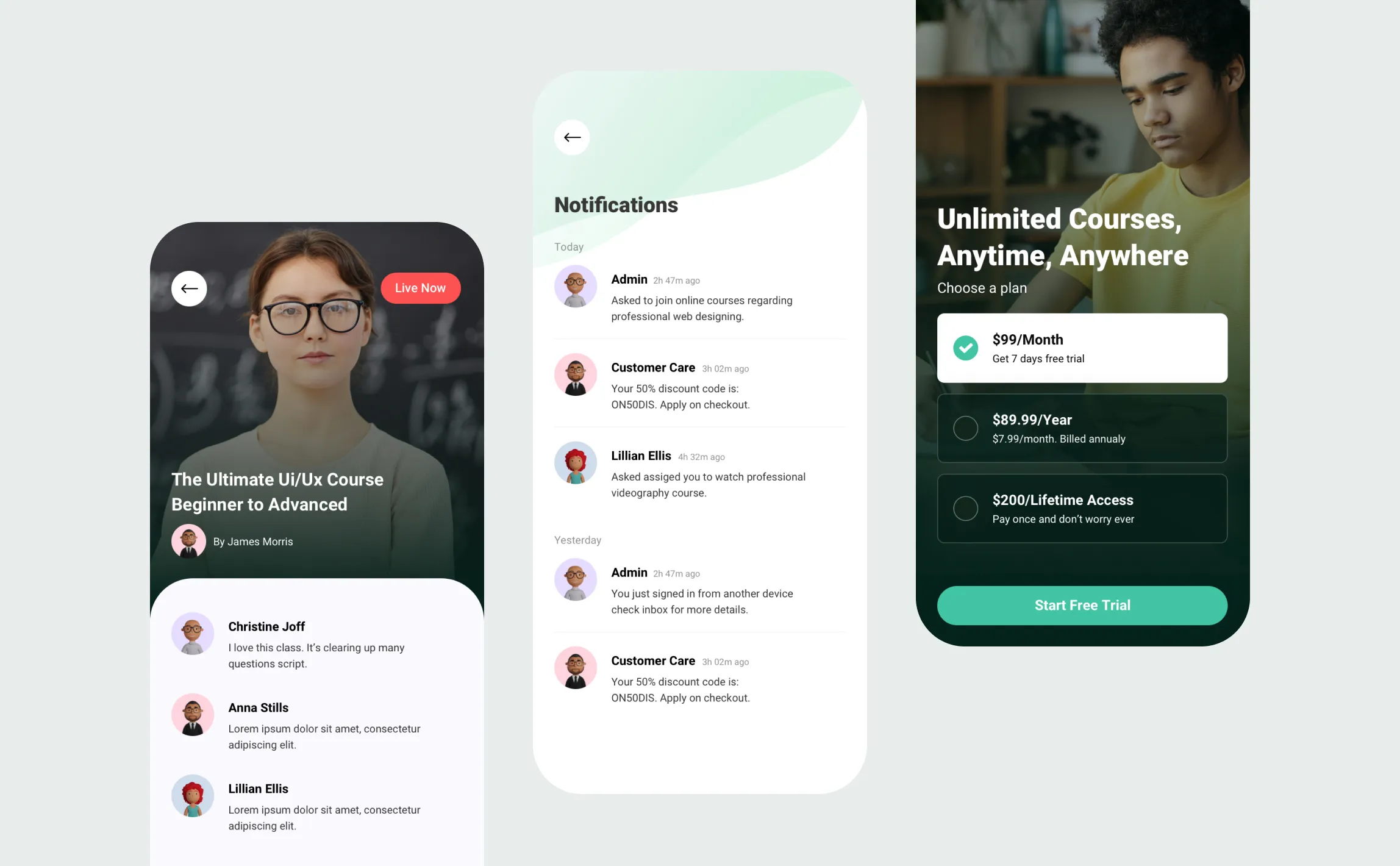
3. Direct Instructor & Peer Connection
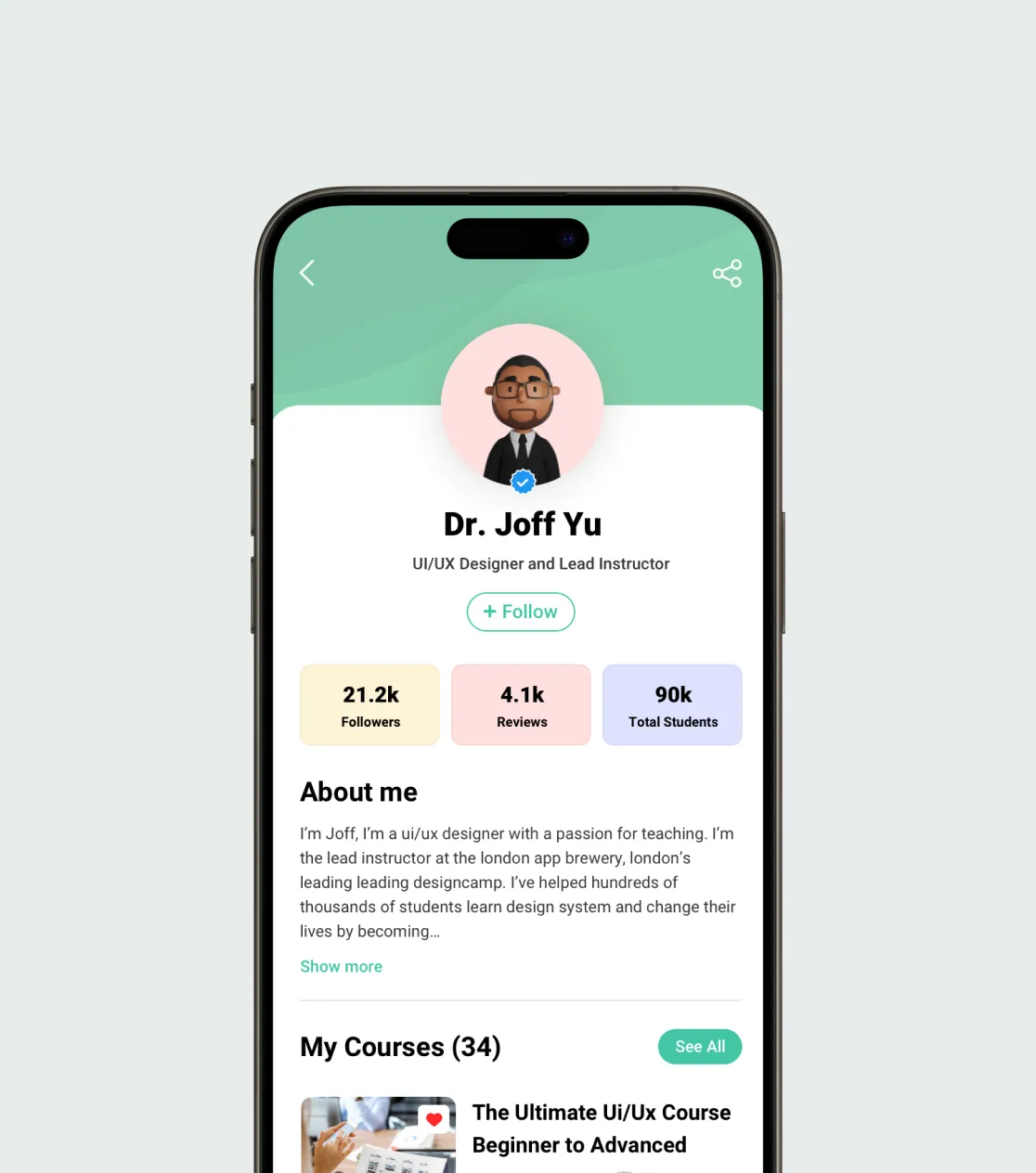
Learning is a social activity. Purpose breaks down the isolation of distance learning with built-in messaging features.
Students can easily ask instructors questions, get feedback, and connect with fellow learners. A dedicated notification center keeps users updated on course announcements and new messages, fostering a vibrant learning community.
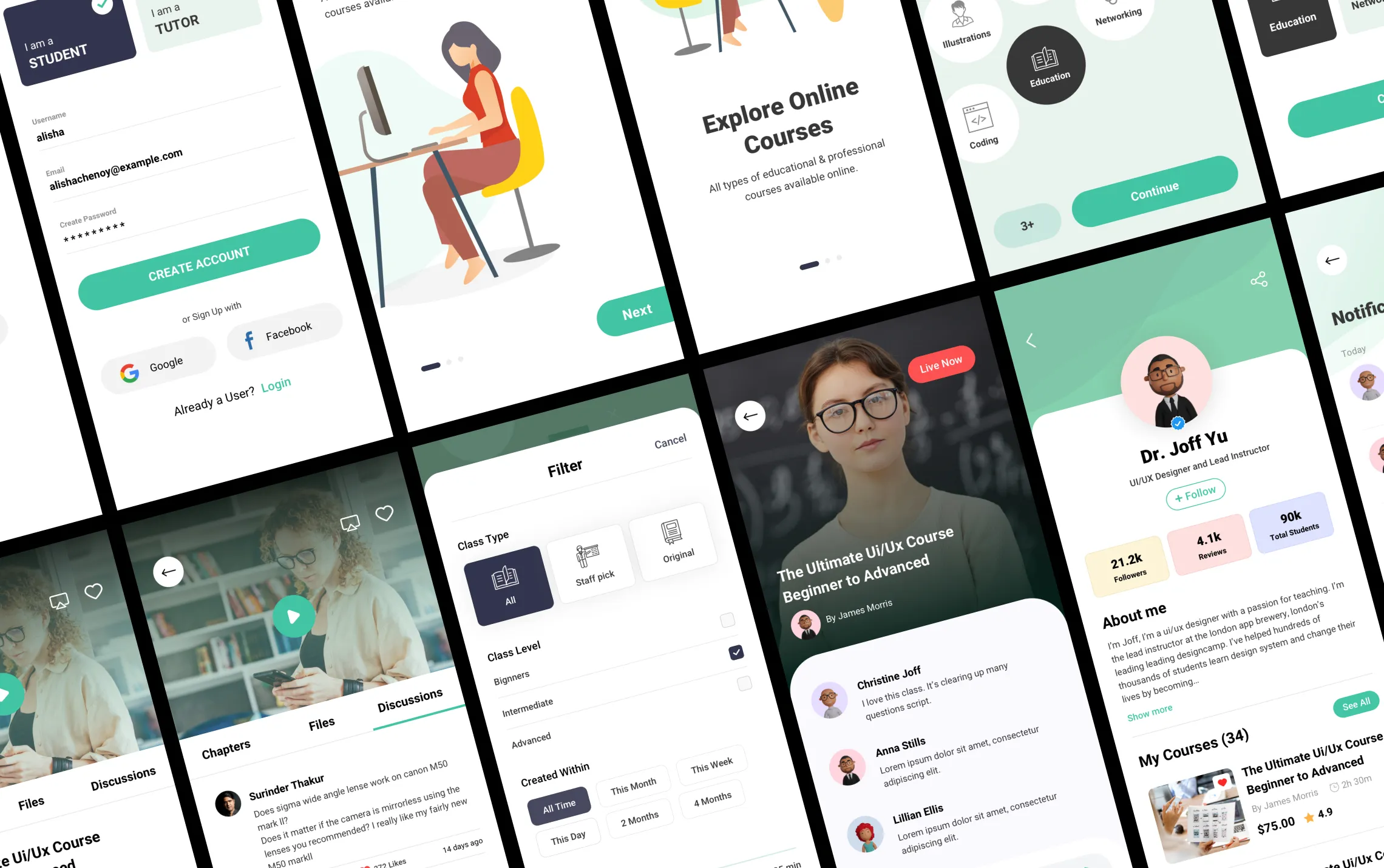
30+ Screens, One Design System
Final Screens & Outcome
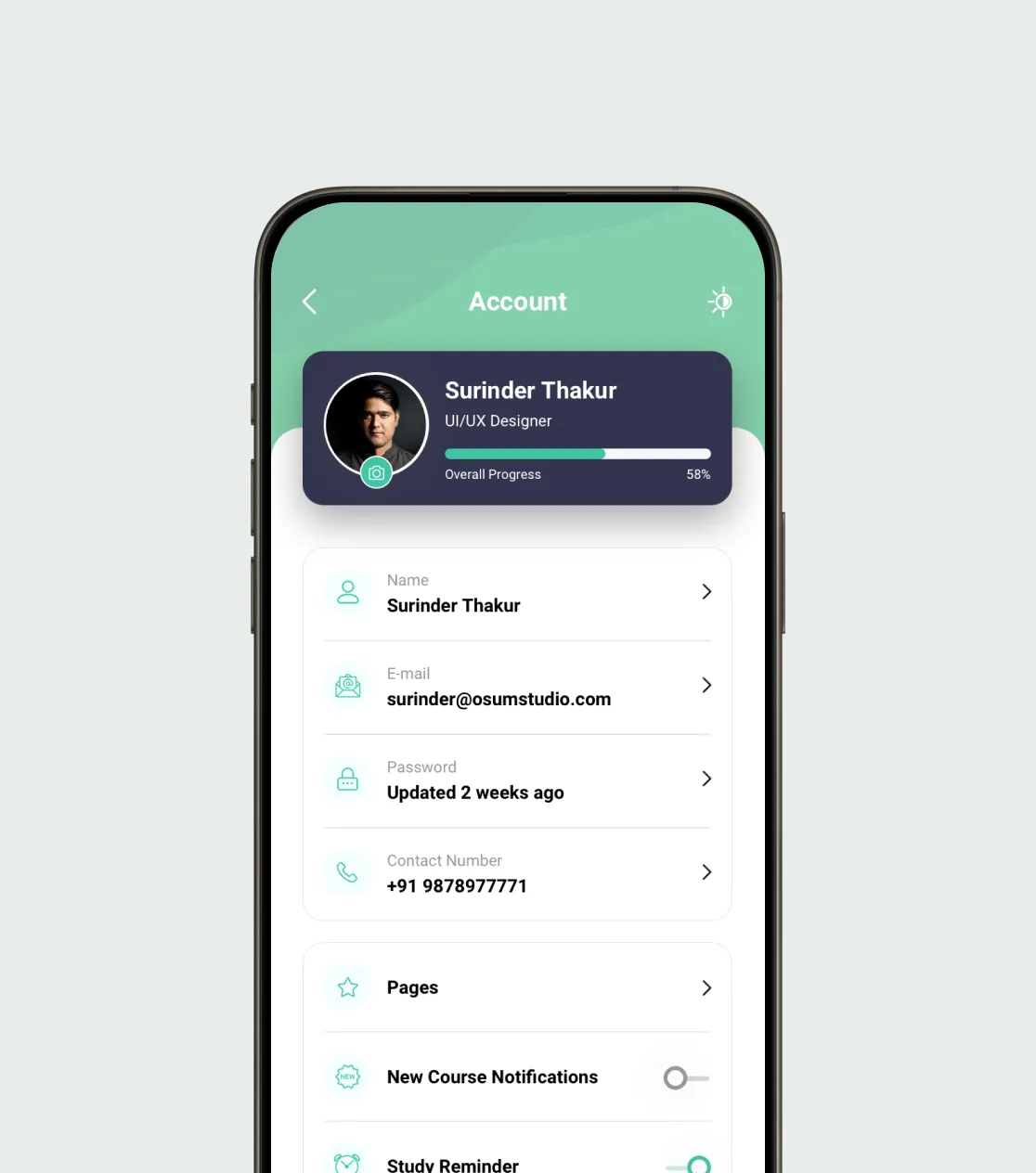
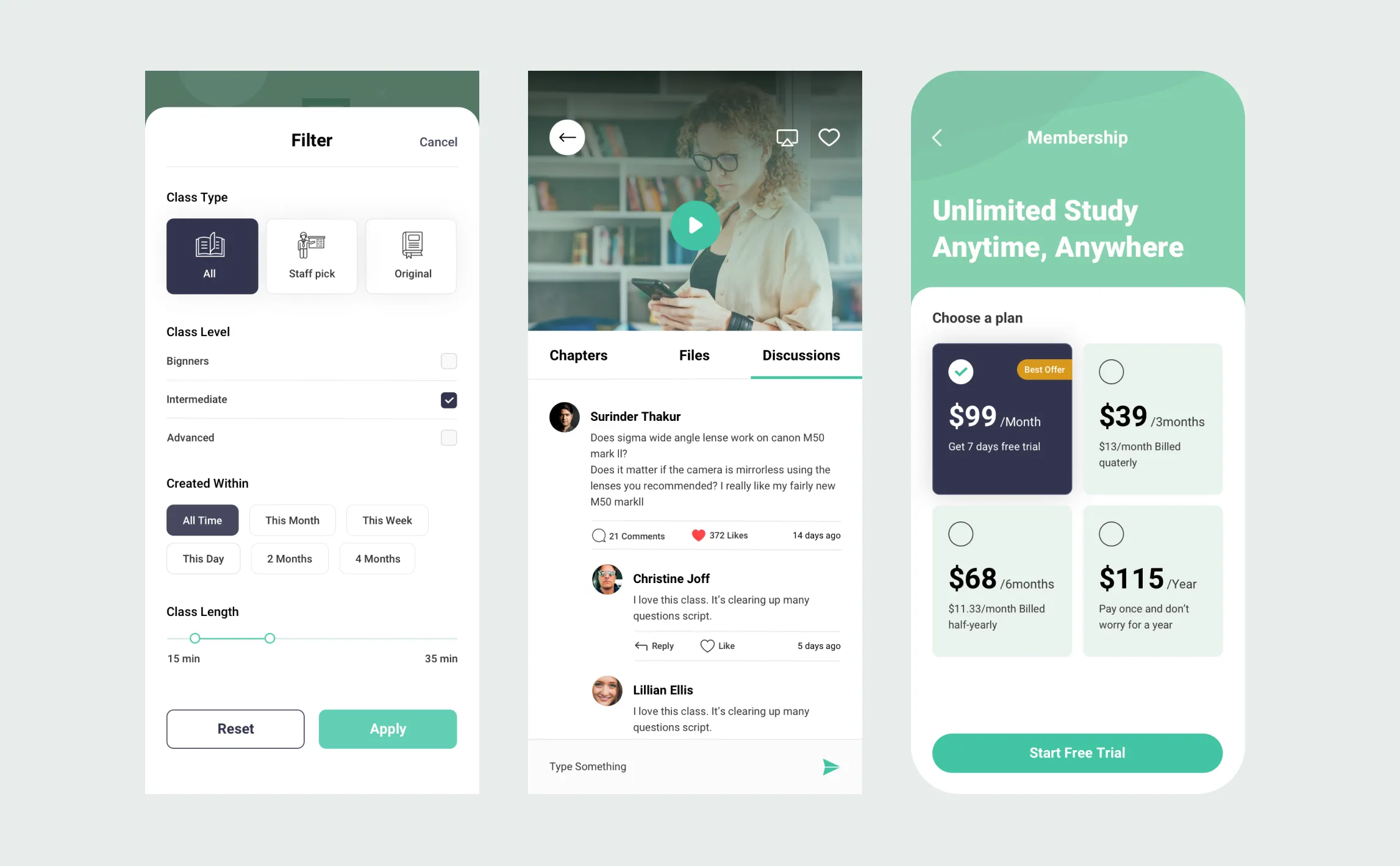
The final result is a comprehensive set of over 30 unique screens, all built upon a robust design system for a consistent and polished user experience. Purpose successfully addresses the core challenges of distance learning by delivering a clear, motivating, and community-focused platform that helps students reach their educational goals.
Design That Drives Educational Outcomes
See how a focus on user experience translates into measurable success for learners.
+45%
Higher Daily Engagement
An intuitive, social design kept users learning and interacting more frequently.
+25%
Increase in Course Completion
Clear progress tracking and interactive lessons drove more students to finish courses.
+30%
Higher User Satisfaction Score
The clear, friendly interface earned overwhelmingly positive user feedback.
I have been working with Surinder for almost a decade. He’s become a good friend and my most talented UI/UX engineer on the team. I couldn’t recommend him more highly to handle your project - very professional and always on-point with meeting deadlines and expectations.
Carlos Arias
Founder, Medellin.co